Turning Off a New Switch: Toggle, Dimmer, Smart
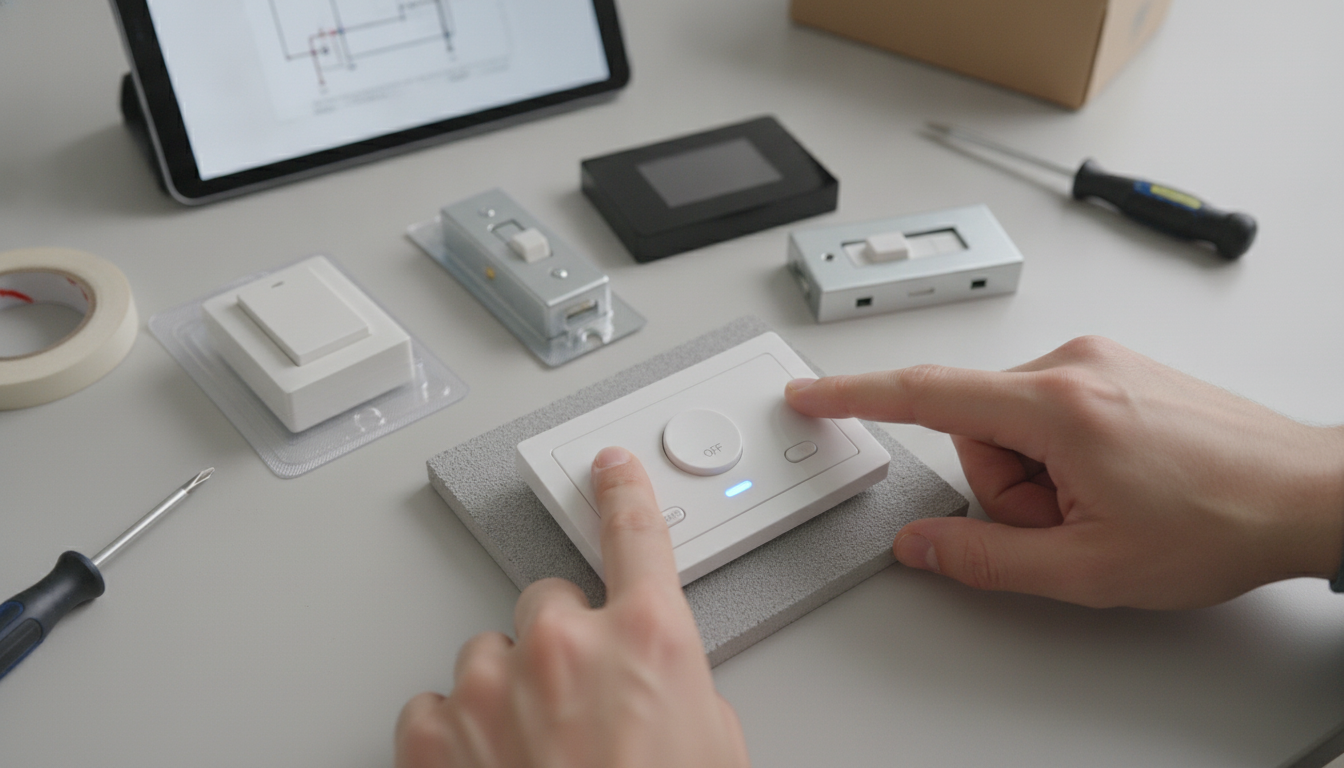
How do I turn off a new switch?
Turning off a new switch is usually simple, but “new” can mean a few different things: a newly installed wall switch, a smart switch, a switch with a dimmer, or a switch that controls an outlet or appliance. Start by identifying what type you have, then use the correct off method below. For a more detailed walkthrough and troubleshooting tips, visit How do I turn off a new switch?.
Step 1: Identify the switch type
Look at the face of the switch. A standard toggle flips up/down. A rocker has a wide paddle you press at the top or bottom. A dimmer may have a slider, dial, or small side switch. Smart switches often have an LED indicator, a small button, or multiple tap zones.
Step 2: Use the correct “off” action
For most U.S. wall switches, “down” is off for toggles, and pressing the bottom of a rocker turns it off. For dimmers, slide or turn the control toward minimum, and if there’s a separate on/off switch, flip that to off. For smart switches, press the off area (often the bottom half) or the labeled button; the indicator light may change color or dim when off.
Step 3: Confirm the device actually turned off
Check the light, fan, or plugged-in device. If it controls an outlet, test with a lamp. If it’s a smart switch, confirm in the app that the device shows “Off.” Some smart models keep a small LED on even when the load is off, which is normal.
Step 4: If it won’t turn off, try these quick checks
Make sure you’re operating the correct switch (multi-gang boxes can be confusing). If it’s a 3-way setup (two switches control one light), either switch can change the state, so try the other location. For smart switches, reboot by turning the breaker off for 10–20 seconds, then back on. If a switch feels hot, crackles, or won’t control the load reliably, turn off power at the breaker and contact a licensed electrician.
FAQ
Why does my smart switch stay lit when it’s off?
Many smart switches keep an indicator LED on for visibility or status, even when the connected light or fan is off. If the glow is excessive or the load flickers, check the app settings for indicator options or confirm the switch is compatible with the type of bulb being used.












Leave a comment